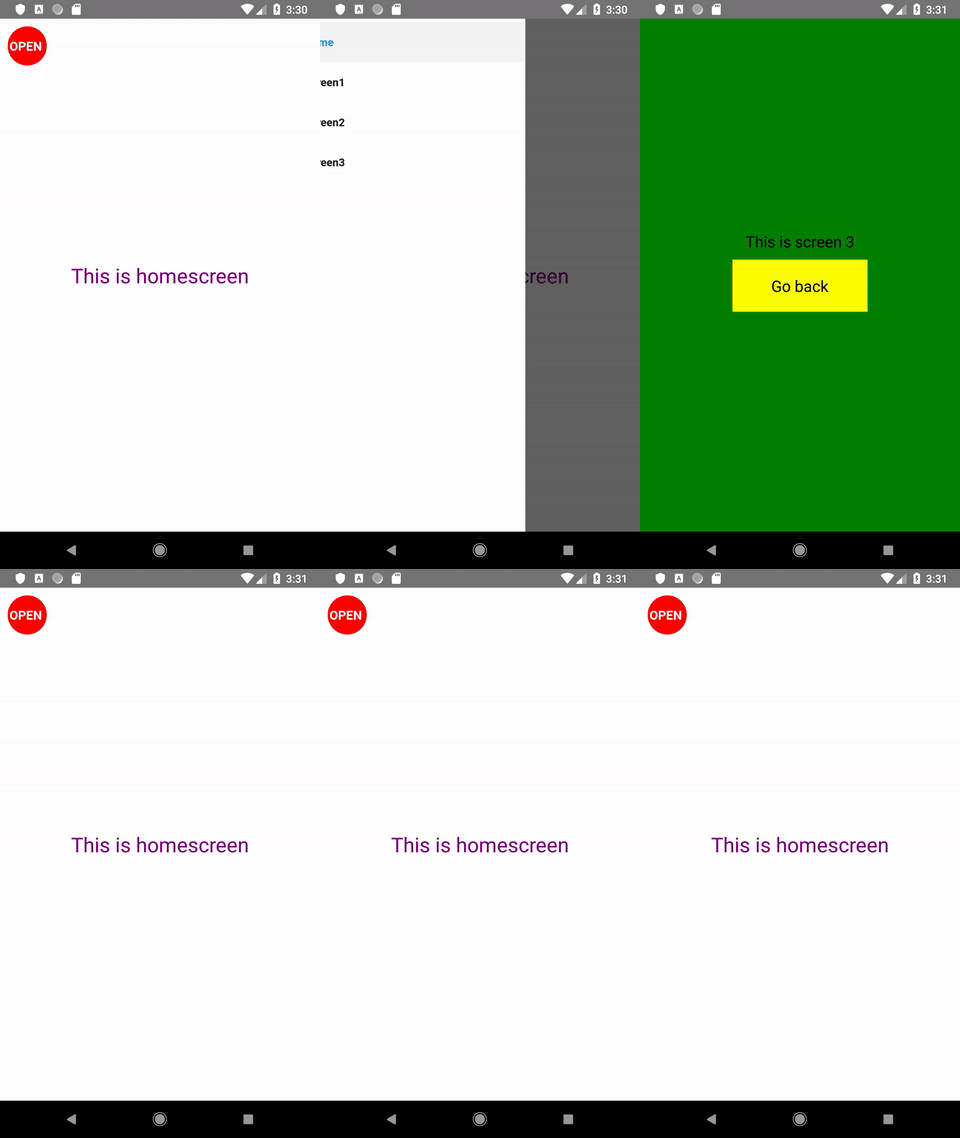
We assign a screen with the appropriate name to each of the 4 navigator options. As default, we set the screen assigned to the Home name, assigning it to initialRouteName. We set the navigator width to 300 and set it on the left side of the main screen.
On the main screen, we put text: This is the start screen and the icon, after touching which our navigator will slide out on the left.
HomeScreen.js
import React, {Component} from 'react';
import {StyleSheet, Text, View, TouchableHighlight} from 'react-native';
import { DrawerActions, } from 'react-navigation';

export default class HomeScreen extends Component {
    static navigationOptions = {
        drawerLabel: 'Home',
    };
    render() {
        return (
            <View style={styles.view}>
                <TouchableHighlight style={styles.touchableHighlight} underlayColor={'rgba(0,0,0,0.8)'}
                    onPress={() => { this.props.navigation.dispatch(DrawerActions.openDrawer()); }}>
                    <Text style={styles.open}>OPEN </Text>
                </TouchableHighlight>
                <Text style={styles.text}> This is homescreen </Text>
            </View>
        );
    }
}
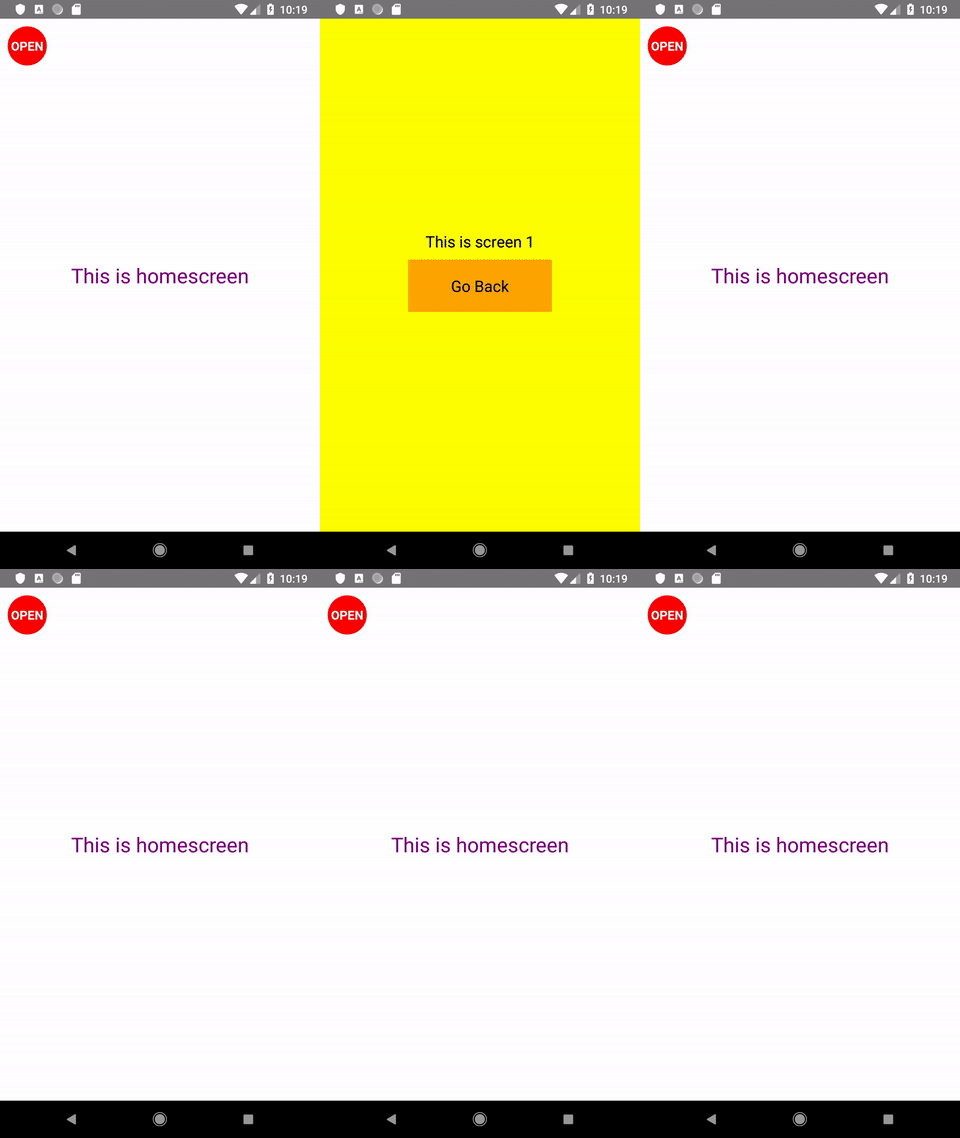
Other screens will have different colors and a button that redirect to the main screen:
Screen1.js, Screen2.js Scree3.js
import React, {Component} from 'react';
import {StyleSheet, Text, View, TouchableHighlight} from 'react-native';

export default class Screen1 extends Component {
    render() {
        return (
            <View style={styles.view}>
                <Text style={styles.text}> This is screen 1 </Text>
                <TouchableHighlight onPress={() => this.props.navigation.goBack() } style={styles.touchableHighlight} underlayColor={'#f1f1f1'}>
                    <Text style={styles.text}>Go back</Text>
                </TouchableHighlight>
            </View>
        );
    }
}
And what if we would like to add more elements to our navigator? We could use a headline, a picture or a footer. In this case, we can set our own personalized component that will serve as DrawerNavigator. To do that, we will slightly modify our navigator:
Now we can create any look by adding e.g. a header with a photo and links to other screens, as well as appropriate icons. In fact, we can add what we want here, which makes our navigator really interesting. Sample code below:
I write code that (usually) works. I tame WordPress, learn React, explore the world of DevOps, and click around in the Linux console. I optimize code as a hobby, because laziness is the purest form of productivity. I do my best not to lose my mind somewhere between a bug and a deadline.